Share it. Request it.
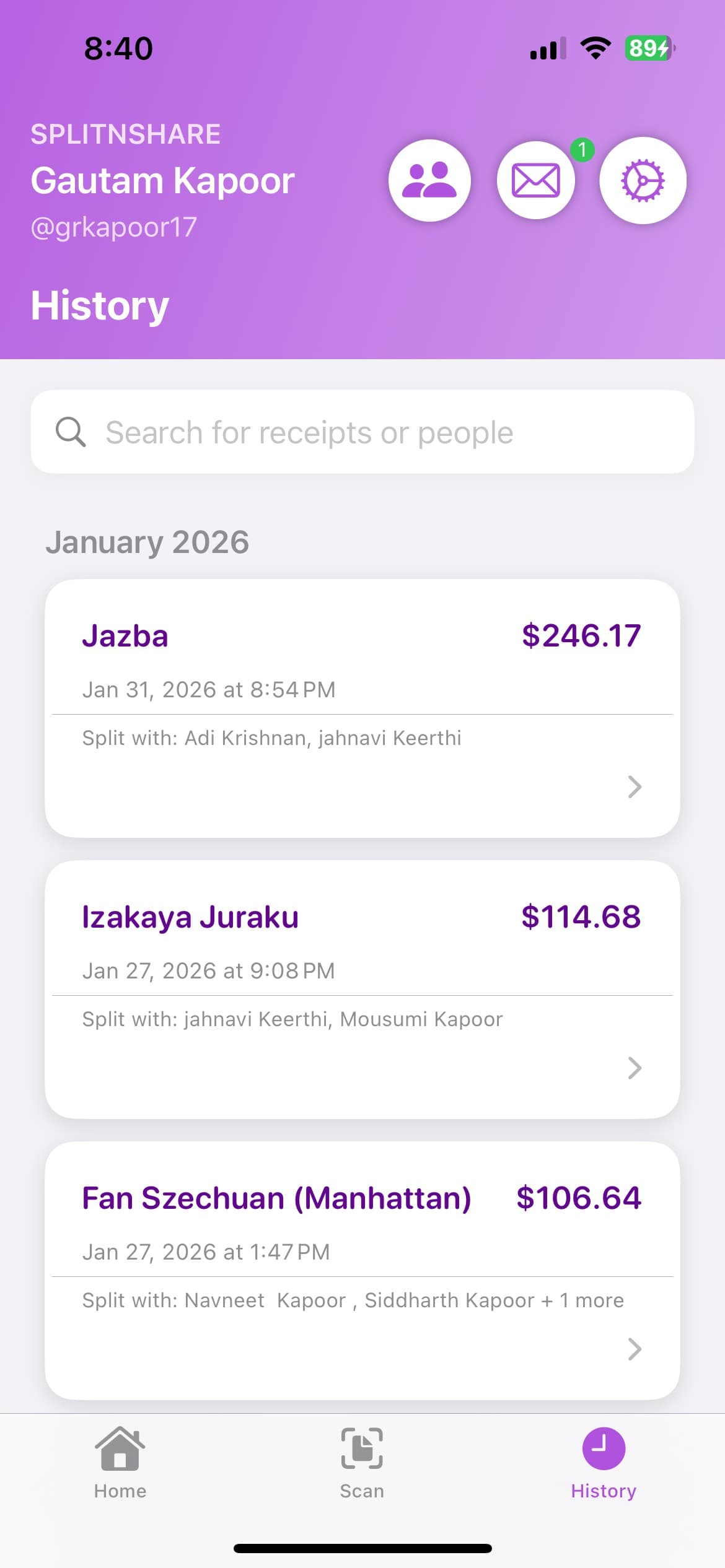
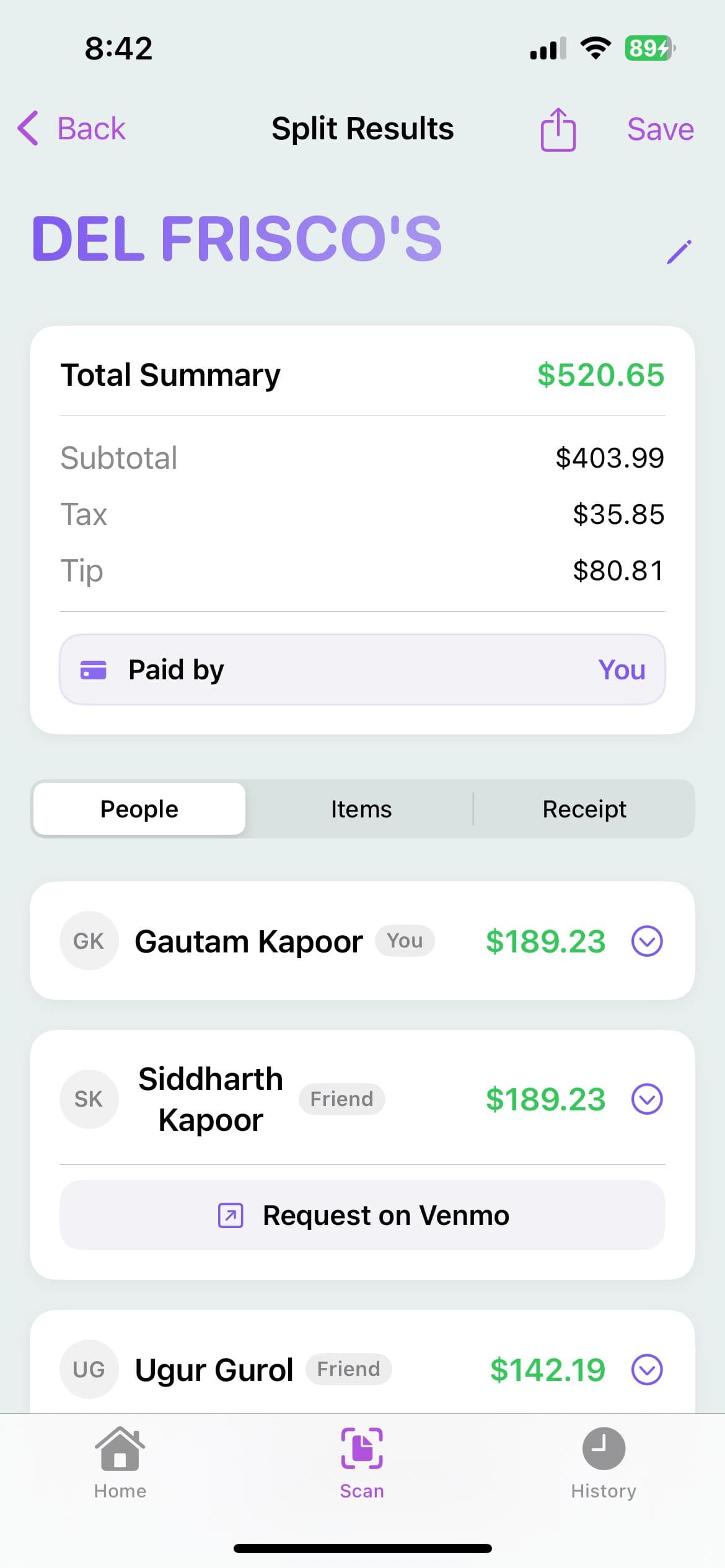
Send a clean PDF breakdown to the group, or request on Venmo with the amount already filled in. Every split stays in your history.
Free on iPhone
Scan the receipt, tap who had what, and SplitNShare works out exactly what everyone owes — tax and tip included.
The usual routine

Or just scan it.
One photo of the receipt. A few taps to say who had what. SplitNShare does the rest of the math.
How it works

Snap a photo or pick one from your camera roll. SplitNShare pulls out the items, prices, tax, and totals — and you can fix anything with a tap.
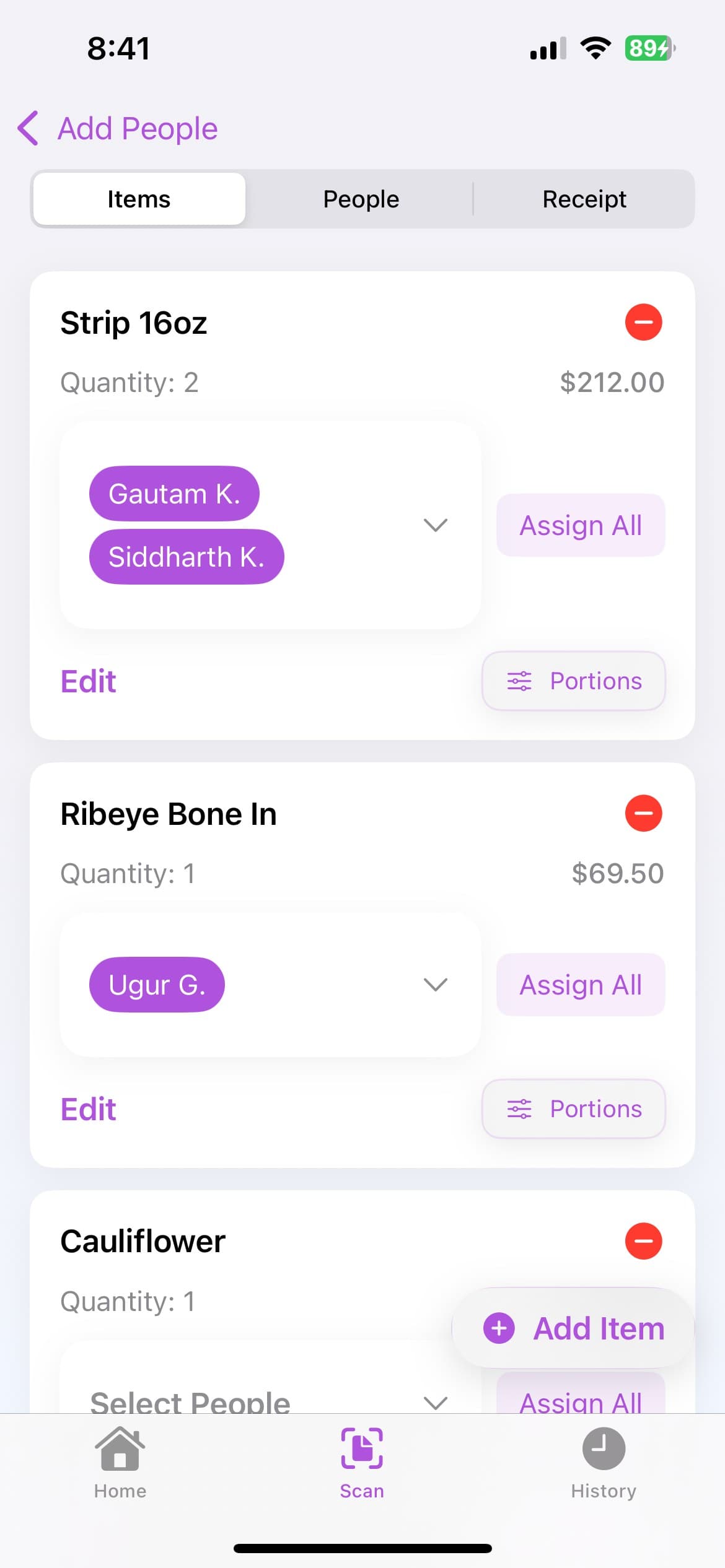
Add the people who were there and assign each item. Shared something? Put as many people on it as you need.
See everyone's total with tax and tip worked in. Then share the breakdown or request on Venmo right from the results.
Fair, not just even
Your friend who ordered a salad shouldn't pay for someone else's steak. Assign the items, and the totals follow.
Receipt
Friday dinner
Margherita pizza
$18.00
Ribeye steak
$42.00
Spicy rigatoni
$22.00
Caesar salad
$14.00
Loaded nachos
Shared by 4
$16.00
Margaritas ×3
Shared by 3
$36.00
Who owes what
$190.74 total
Assigning items…
“But we all shared the nachos.”
That's fine. Split it evenly, or by pieces or percent when someone had more.
The whole receipt, accounted for.
Tax and tip are spread in proportion to what each person ordered — not dumped evenly on everyone.
More than a scanner
Send a clean PDF breakdown to the group, or request on Venmo with the amount already filled in. Every split stays in your history.
Use the camera or a photo you already have. Edit items, prices, and quantities before you finalize.
Put one dish on several people — evenly, by pieces, or by percent.
Quick tip presets or a custom amount, plus coupons and comps. All spread fairly.
Friends on the app, people from your contacts, or guests who don't have it yet.
Scan or upload a photo of your receipt and SplitNShare pulls out the items and totals. Add the people who were there, tap to assign each item, and the app calculates what everyone owes.
Yes. Assign an item to as many people as shared it and it's divided evenly — or set portions by pieces or percent when someone had more than others.
No. Only the person splitting the bill needs it. Add anyone as a guest and send them the breakdown yourself, for example as a PDF. Friends who do have SplitNShare get the split in the app.
Yes. Before you finalize, you can fix item names, prices, and quantities, add items the scan missed, and adjust tax, tip, and discounts. Once a split is published it's locked so everyone sees the same numbers.
Each person gets the items assigned to them plus their portion of anything shared. Tax and tip are then spread in proportion to each person's share of the bill. The result is based on the receipt and the assignments you enter, so it's worth a quick check after scanning.
From the results, you can share a PDF breakdown with the group. In the US, if a friend has added their Venmo username, you can tap Request on Venmo and the amount is filled in for you. Money moves through Venmo, not through SplitNShare.
SplitNShare is free to download on the App Store for iPhone. There's no Android app yet.
Scan it. Split it. Request it.
Free · iPhone · iOS 15 or later